Electronic vs Digital Signatures: What's the Difference?
The terms get used interchangeably, but they're not the same thing. A plain-English guide to simple e-signatures, certificate-based digital signatures and when you need which.
PDFLocket Team
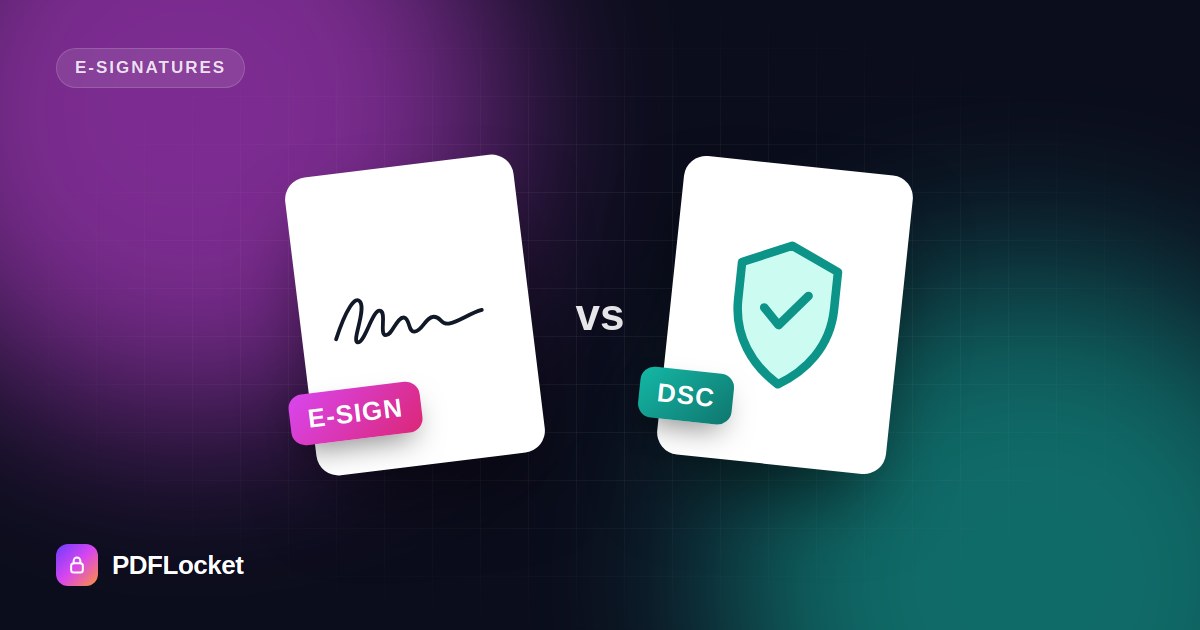
“Can you digitally sign this?” might mean put your signature on the PDF. It might also mean apply a certificate-based digital signature using your DSC token. They’re very different things, and using the wrong one can delay a filing or a deal.
Electronic signature: the broad category
An electronic signature is any electronic sign that a person intends to be their signature. That includes:
- A typed name at the end of an email
- Clicking “I agree” on a checkbox
- A drawn or uploaded signature image placed on a PDF, like the ones you create with Sign PDF
These are quick, free and good enough for a huge range of everyday documents. The evidence that you signed comes from context: the email account it came from, the conversation around it, any audit trail.
Digital signature: a cryptographic seal
A digital signature is a specific technical kind of electronic signature. It uses public-key cryptography:
- You hold a private key, usually on a USB token, a smart card or a secure cloud service.
- Signing creates a mathematical fingerprint of the document, encrypted with that key.
- Anyone can verify it with your public key, which comes inside a certificate issued by a trusted Certificate Authority (CA).
This proves two things a signature image can’t:
- Identity: the CA checked who you are before issuing the certificate.
- Integrity: if even one character of the document changes after signing, verification fails.
In India these are commonly called DSCs (Digital Signature Certificates). They’re used for things like company filings, income tax and GST returns, and tenders. Aadhaar eSign is another government-recognised method that uses OTP verification instead of a physical token.
Side by side
| Electronic signature (image/typed) | Digital signature (certificate) | |
|---|---|---|
| What it is | A mark showing intent to sign | A cryptographic seal tied to a verified identity |
| Setup | None | Buy or obtain a certificate, often with a token |
| Cost | Free | Paid certificate, renewed every 1–3 years |
| Detects tampering | No | Yes |
| Typical uses | Offer letters, consent forms, approvals, rental renewals | Government filings, tenders, regulated or high-value contracts |
Which one do you need?
Ask the person or institution receiving the document. In practice:
- “Just sign and send it back” almost always means a simple electronic signature is fine.
- “Sign with your DSC”, or a government portal that asks for a token, means you need a certificate-based digital signature.
- Some documents still need wet ink. Wills and certain property documents are common examples.
General information only, not legal advice.
The short version
Every digital signature is an electronic signature, but not every electronic signature is a digital signature. For day-to-day paperwork, a placed signature is fast and widely accepted. For anything regulated, check the requirement first.
Keep reading
All articles
How to Sign a PDF Online in Under a Minute
No printer, no scanner, no pen. Type, draw or upload your signature, drop it on the page and download the signed PDF — here's exactly how.
How to Convert Word to PDF Without Losing Formatting
Fonts swapped, tables shifted, images jumped to the next page? Here's how to turn a Word document into a PDF that looks exactly like the original — on any device.
How to Convert a PDF to an Editable Word Document
Need to change a contract, update an old CV or reuse text from a report? Here's how to turn a PDF into an editable DOCX — and what to expect from the result.