PDF vs Word: Which Format Should You Send?
CV, invoice, contract draft, assignment? Picking the right format avoids formatting disasters and awkward back-and-forth. A simple rule of thumb, with examples.
PDFLocket Team
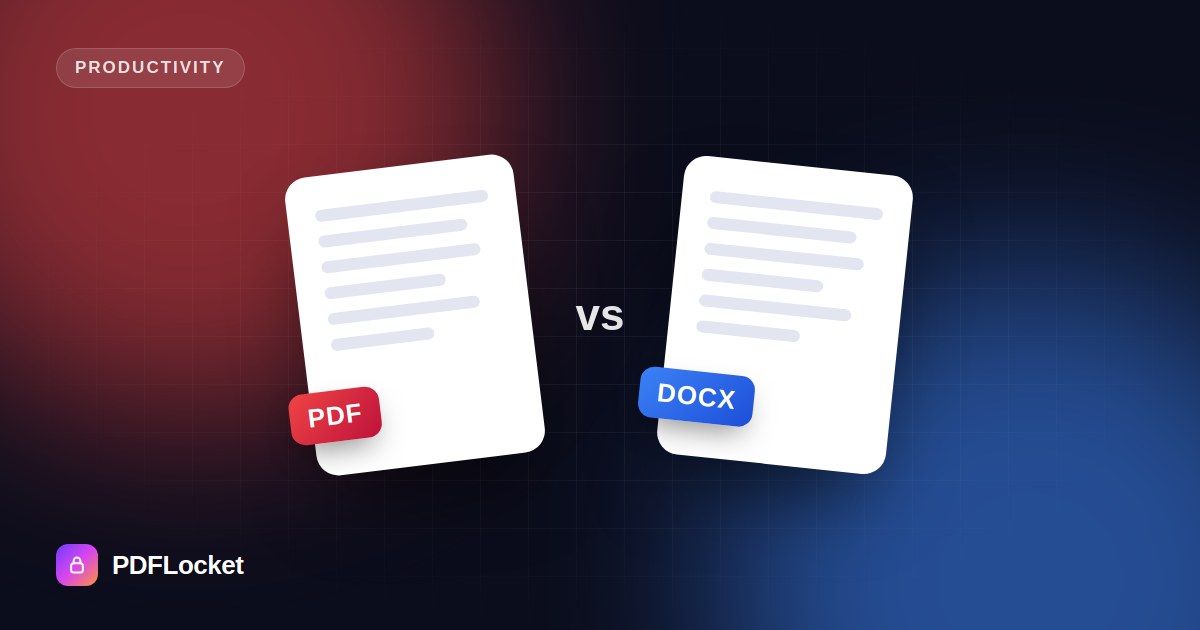
Both formats hold the same words. They answer different questions, though: Is this finished, or is it still being worked on?
The rule of thumb
Send a PDF when the document is final. Send a Word file when someone needs to edit it.
PDF keeps the layout fixed and looks identical everywhere. Word (DOCX) is built for changes, comments and tracked edits.
Common situations
Your CV or résumé → PDF
Your layout, fonts and spacing arrive exactly as you designed them, on any device. The only exception is when a recruiter or job portal specifically asks for .docx. Some older applicant tracking systems prefer it, so follow the instructions.
Invoices and quotes → PDF
A PDF looks professional and is harder to alter by accident. It’s also what accounting teams expect.
Contract drafts → Word. Signed contracts → PDF
While terms are being negotiated, both sides need tracked changes and comments, so use Word. Once everyone agrees, convert the final version to PDF and sign it.
College assignments → whatever the instructions say
Many submission systems ask for PDF so the formatting can’t shift. Others want DOCX so tutors can comment inline.
Forms you need someone to fill in → depends
If they’ll type into it, send an editable Word file, or a PDF with form fields. If they’ll print and sign it, send a PDF.
Quick comparison
| Word (DOCX) | ||
|---|---|---|
| Looks the same everywhere | ✅ | ❌ depends on fonts & app |
| Easy to edit | ❌ | ✅ |
| Track changes & comments | Limited | ✅ |
| Can be password-protected | ✅ | ✅ |
| Opens on any phone | ✅ | Usually, layout may shift |
| Feels “final” | ✅ | ❌ |
Switching between them
You don’t have to choose forever:
- Finished editing? Convert with Word to PDF.
- Need to change a PDF? Convert it back with PDF to Word.
- Received a locked PDF you need to edit? Unlock it first.
The takeaway
If you’re not sure, send a PDF. It’s the safer default because it looks right on every device. Keep the Word original so you can make changes later.
Keep reading
All articles
How to Scan Documents With Your Phone and Save Them as PDF
Your phone is a better scanner than you think. Get sharp, readable, upload-ready PDFs of certificates, forms and receipts — no scanner required.
How to Convert Word to PDF Without Losing Formatting
Fonts swapped, tables shifted, images jumped to the next page? Here's how to turn a Word document into a PDF that looks exactly like the original — on any device.
How to Convert a PDF to an Editable Word Document
Need to change a contract, update an old CV or reuse text from a report? Here's how to turn a PDF into an editable DOCX — and what to expect from the result.